
PDFreevert
PDF Tutorials & Practical Guides
Understand your documents. Solve everyday PDF problems. Find a practical guide for the task in front of you.
Browse the guides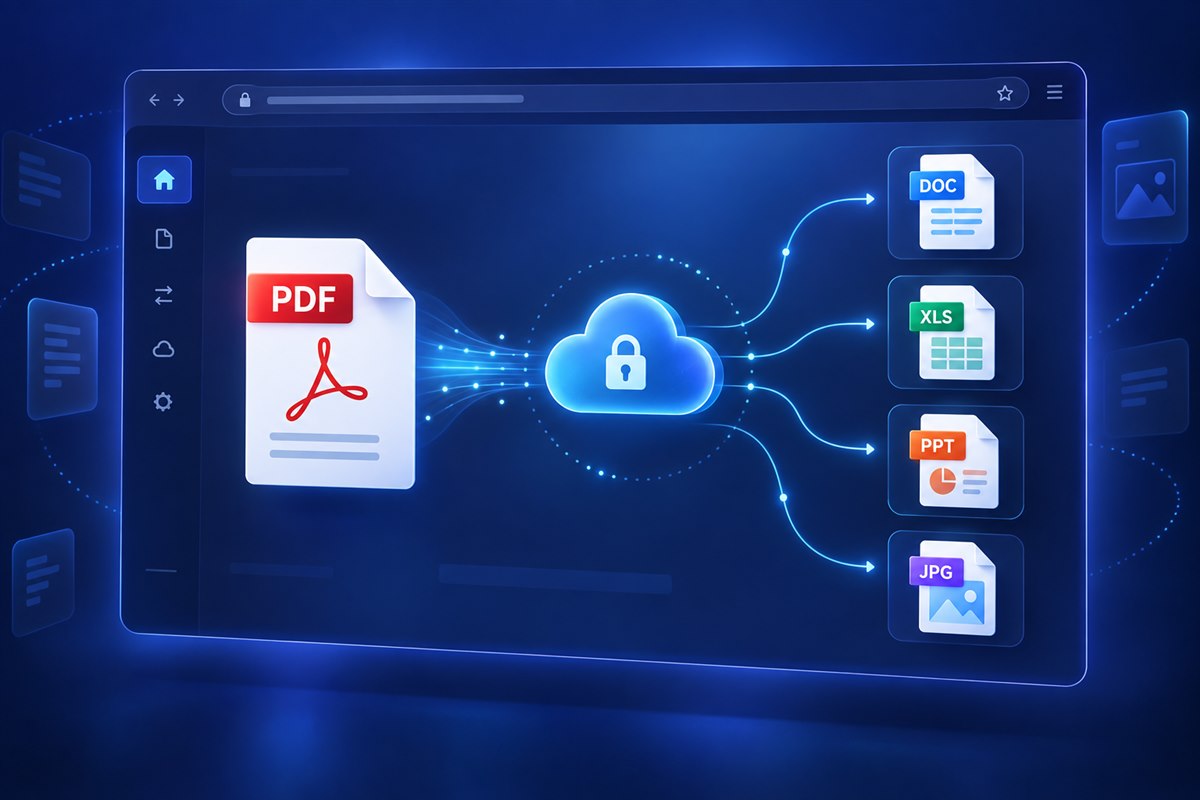
PDFreevert
A good place to start
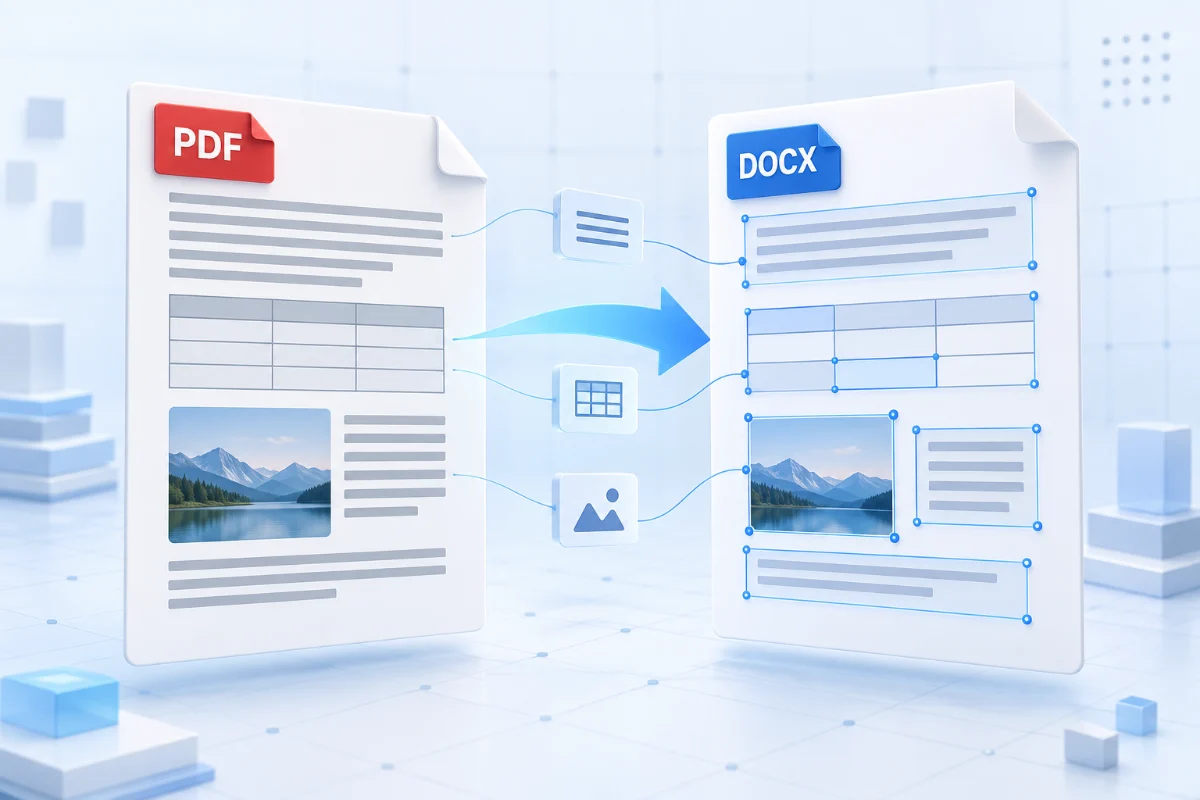
How to Convert PDF to Word Without Losing Formatting
Start with selectable text, compare conversion methods, and check fonts, tables, images, and page layout.
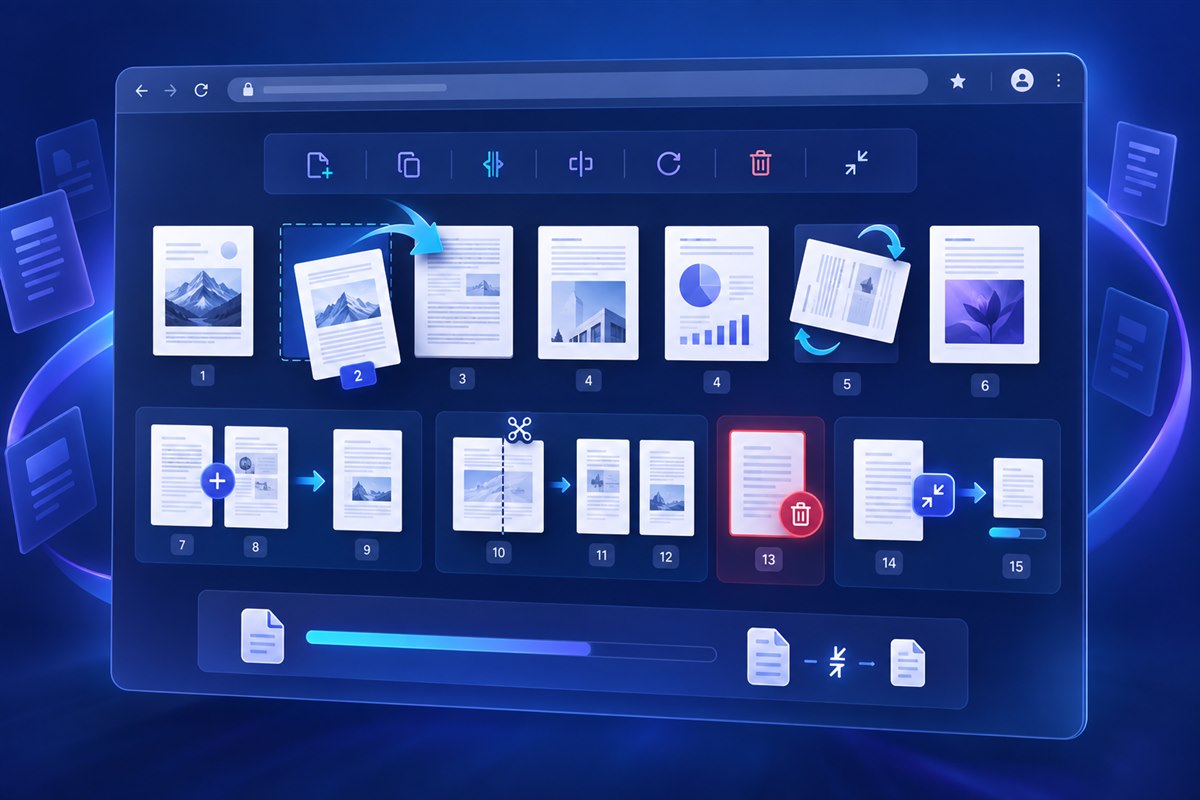
How to Reduce PDF File Size Without Losing Quality
Balance a smaller file with readable text and useful image detail.

Scanned PDF vs Searchable PDF: What’s the Difference?
Check whether pages contain images, a text layer, or both.
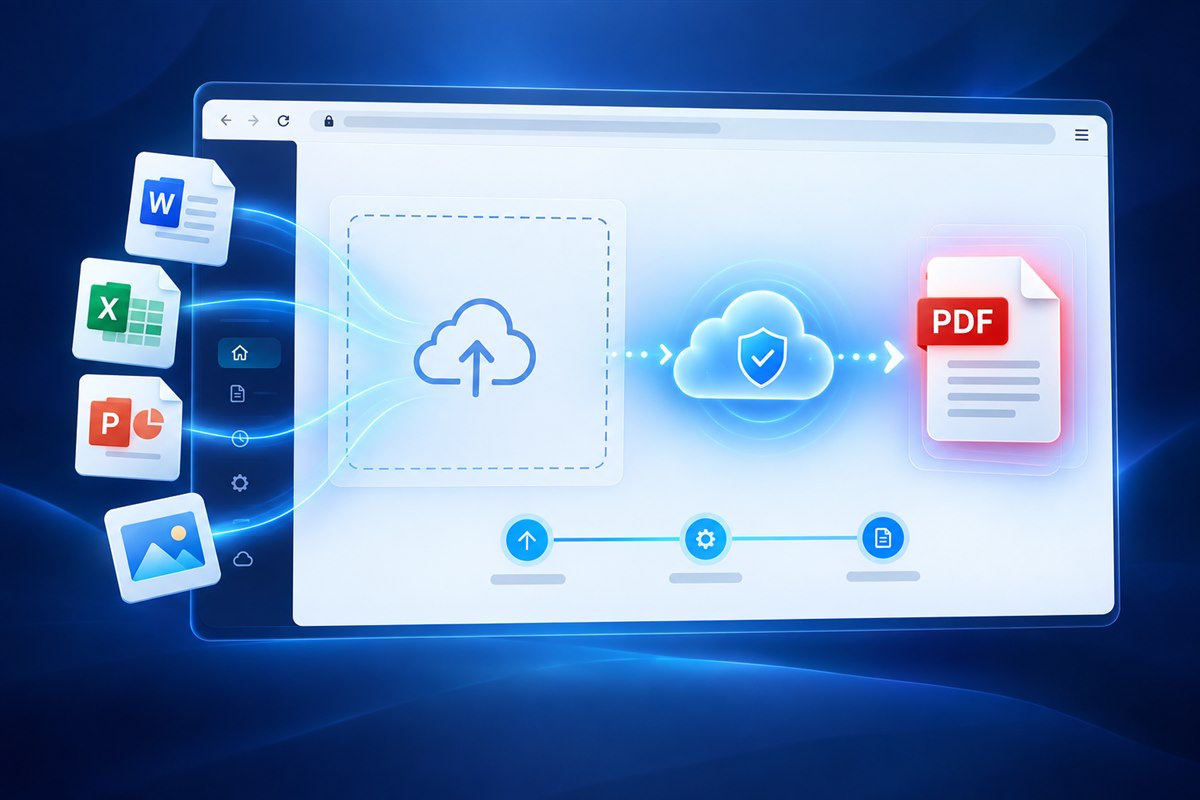
How to Merge Multiple PDF Files into One
Arrange source files and check the boundaries between documents.
Browse the guides
30 guides
How to Convert PDF to Word Without Losing Formatting
Start with selectable text, compare conversion methods, and check fonts, tables, images, and page layout.
How to Convert Word to PDF Without Formatting Changes
Prepare fonts, page settings, and document layout before creating a PDF.
How to Convert PDF to JPG Without Losing Quality
Choose an image workflow that keeps small text readable at the size you need.
How to Convert JPG to PDF Online: A Step-by-Step Guide
Turn a JPG into a PDF page while checking orientation and page fit.
How to Convert Excel to PDF Without Cutting Off Columns
Check print areas, scaling, and page breaks before exporting a spreadsheet.
How to Convert PowerPoint to PDF Without Losing Quality
Review fonts, slide dimensions, and image quality before exporting a presentation.
How to Convert PDF to Excel and Keep Tables Intact
Prepare a text-based PDF and verify the spreadsheet structure after conversion.
How to Convert PNG Images to PDF
Choose page dimensions and review transparent image areas before creating a PDF.
How to Convert Multiple Images into One PDF
Arrange images before creating a single document for sharing.
How to Convert PDF Files on Windows, Mac, and Mobile
Choose a browser-based or desktop workflow that fits your device and document.
Why Does PDF to Word Conversion Change Formatting?
Understand how fixed PDF pages become editable Word content.
Why Is My PDF File So Large?
Identify whether images, scans, embedded fonts, or extra pages account for file size.
How to Reduce PDF File Size Without Losing Quality
Balance a smaller file with readable text and useful image detail.
Why Can’t I Copy Text from a PDF?
Distinguish scanned pages from text layers and copying restrictions.
How to Fix Blurry Images After PDF Conversion
Check source resolution, export dimensions, and repeated image compression.
Why Do Fonts Change When Converting PDF to Word?
Check font availability before changing document spacing and page breaks.
How to Fix PDF Files That Won’t Open
Rule out incomplete downloads and reader problems before attempting repair.
Why Does My PDF Look Different on Different Devices?
Compare reader settings, fonts, and display behavior across devices.
How to Fix Missing Pages or Blank Pages in PDF Files
Check the source, page range, and export settings before changing the document.
How to Fix PDF Printing Problems
Check page size, scaling, printer settings, and a representative test page.
What Is a PDF File? A Beginner’s Guide
Understand what PDF preserves and when another format is easier to edit.
PDF vs PDF/A: What’s the Difference?
Learn why an archival PDF profile has different requirements from an ordinary PDF.
Scanned PDF vs Searchable PDF: What’s the Difference?
Check whether pages contain images, a text layer, or both.
PDF vs Word: Which Format Should You Use?
Choose between a fixed-page deliverable and an editable working document.
What Is OCR and How Does It Work with PDF Files?
Understand text recognition, its limitations, and when a scan needs it.
How to Merge Multiple PDF Files into One
Arrange source files and check the boundaries between documents.
How to Split a PDF into Separate Pages
Choose page ranges using the PDF’s actual page order.
How to Compress a PDF for Email Attachments
Work toward an attachment limit without sacrificing important document detail.
How to Organize PDF Files for Work and Study
Build a clear naming and page-order system before combining or sharing files.
How to Prepare PDF Documents for Printing
Confirm page dimensions and the print provider’s requirements before sending a file.